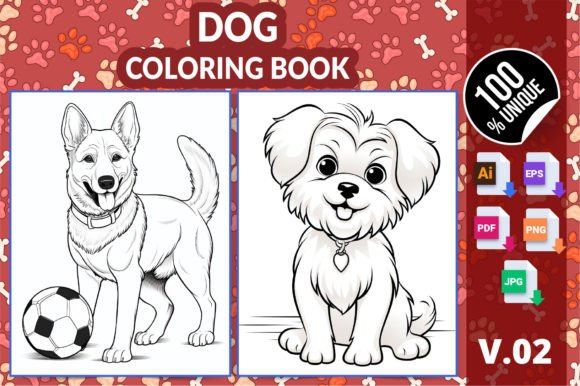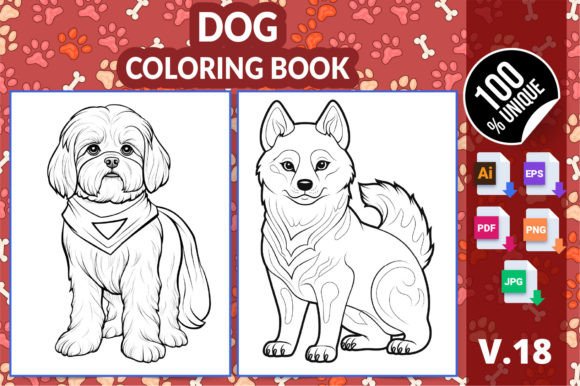
Cute Dog Coloring Pages for Kids V18
Whether you're launching a low-content book on Amazon KDP, preparing classroom materials for kindergarten students, designing therapeutic activities for adults, or building a digital product bundle for your creative business—Cute Dog Coloring Pages for Kids V18 fits cleanly into multiple high-leverage workflows. It’s not just another set of line art; it’s a production-ready asset built with real-world publishing and usage constraints in mind.
What You’re Actually Getting—and Why Format Variety Matters
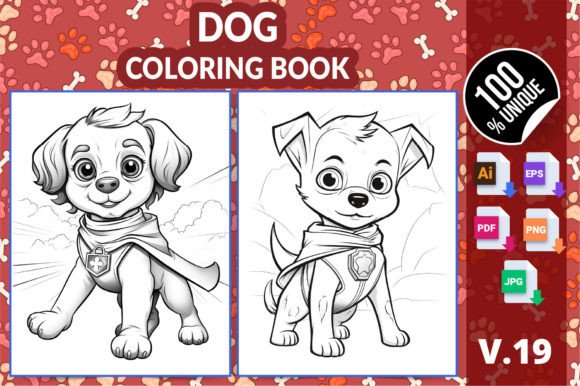
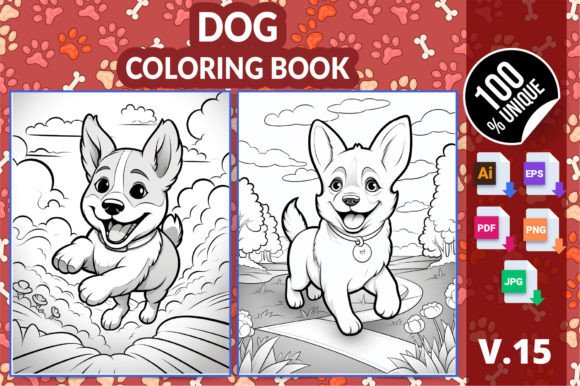
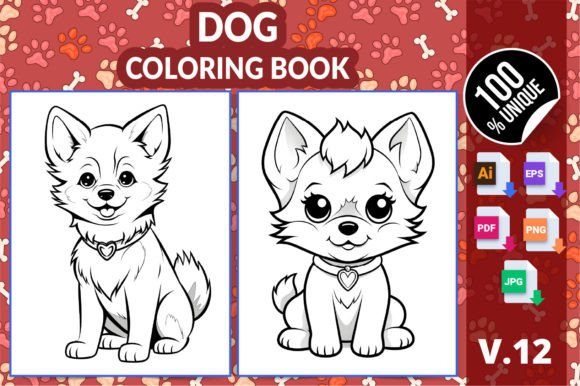
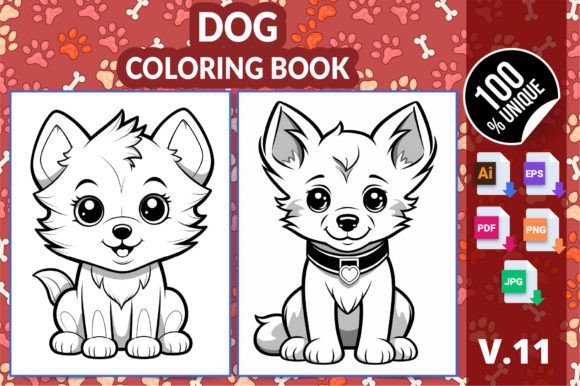
This version includes six distinct dog-themed coloring pages—each hand-drawn with clean lines, balanced negative space, and age-appropriate detail. But the real value lies in the file diversity: one AI file, one EPS file, one PDF, six PNGs, and six JPGs—all at 300 DPI and sized precisely to 8.5″ × 11″. That means no resizing, no resolution loss, and no guesswork when prepping for print or digital distribution.
The AI and EPS files are vector-based—ideal for scaling without quality degradation. Use them to adjust line weight, recolor elements, or integrate into larger layouts (e.g., adding borders, text overlays, or branding). The PDF is KDP interior–ready: embedded fonts, correct bleed settings, and CMYK-safe grayscale output. The PNGs retain transparent backgrounds—perfect for web previews, social media promos, or layered design tools like Canva or Figma. JPGs offer lightweight compatibility for email campaigns, LMS uploads, or quick classroom handouts.
How It Fits Into Your Publishing Workflow
If you're building a KDP coloring book, Cute Dog Coloring Pages for Kids V18 eliminates the most time-consuming phase: interior layout assembly. Each page is already centered, properly spaced, and tested against KDP’s auto-check system. No failed uploads. No margin warnings. Just drop the PDF into your interior upload field, pair it with your custom cover, and publish.
For creators producing multiple books, this version supports modular reuse. You can mix and match these six dog pages with other animal themes (cats, foxes, bunnies) from your library—keeping consistent line style and sizing across titles. That builds brand recognition and reduces customer support questions about inconsistent formatting.
Classroom & Learning Integration—Without Extra Prep
Educators and homeschoolers often need printable resources that work across ability levels. These pages serve dual purposes: simple enough for kindergarten fine-motor development, yet detailed enough to engage older kids or adults seeking mindful focus. The clean outlines reduce visual clutter—critical for learners with sensory sensitivities or attention challenges.
You don’t need to modify anything before printing. Just open the PDF, select “Actual Size” in your print dialog, and go. No cropping adjustments. No alignment issues. For teachers managing multiple classes, batch-printing all six pages at once saves 10–15 minutes per week—time that adds up over a semester.
Real-World Use Cases Across Roles
- Freelance designers: Drop the AI file into Illustrator, add a subtle watercolor texture overlay, and license the enhanced version as a premium pack on Creative Market.
- Small publishers: Combine these pages with your own themed cover (“Puppy Playtime: A Calming Coloring Book”), format the interior using KDP’s template guide, and list within two hours.
- Therapists & counselors: Print individual pages for session handouts. Keep the PNG versions on a tablet for digital coloring with clients who prefer stylus interaction.
- Bloggers & educators: Embed the JPGs in a “Free Download” lead magnet post. Track conversions via your email platform—then follow up with a soft pitch for your full KDP catalog.
- Hobbyists: Use the EPS file to cut vinyl decals for dog-themed party supplies—or resize the PNGs for embroidery patterns on pet bandanas.
Compatibility & Quality Control Checks You Can Rely On
This pack was validated across three environments: Adobe Illustrator (for vector edits), Acrobat Pro (for PDF integrity and color profile), and KDP’s online preview tool (to confirm margins, centering, and grayscale rendering). All files pass KDP’s automated validation—no hidden transparency errors, no embedded RGB profiles, no missing fonts.
That level of testing matters because it removes friction during launch. You avoid the common “uploaded but rejected” loop—where a single stray layer or incorrect DPI triggers a manual review delay. With Cute Dog Coloring Pages for Kids V18, your interior file goes live on first upload.
Long-Term Usability: How to Extend Its Lifespan
Don’t treat this as a one-off download. Think of it as infrastructure. Store the AI file in your master assets folder with clear naming: “Dog_V18_AI_Source.ai”. Keep the PNGs in a “Web_Ready” subfolder, and the JPGs in “Print_Safe”. That structure lets you pull the right format—fast—without re-opening files or converting on the fly.
Also note: the six pages vary intentionally in composition—some feature full-body poses, others focus on faces or playful action shots. That variety gives you flexibility when curating sequences. For example, place a simpler page early in a book for confidence-building, then progress to more intricate ones later. That intentional sequencing improves user retention—especially important if you’re building a series or subscription model.
Where It Fits Before, During, and After Key Actions
Before a project: Use the PDF version to run a test print on your home or office printer. Check line clarity, contrast, and paper feed behavior. This reveals potential issues before bulk printing or KDP submission.
During creation: Open the AI file alongside your cover design in Illustrator. Match stroke weights and corner radiuses so interior and cover feel like one cohesive product—not separate assets glued together.
After launch: Monitor KDP sales data for this title. If it performs well, use the same six dog illustrations as a base for a companion activity book (e.g., “Find the Puppies” spot-the-difference, or “Count the Bones” math pages)—reusing the core art while expanding utility.
Practical Tips for Smoother Implementation
- When uploading to KDP, name your interior file clearly: “Cute_Dog_Coloring_V18_Interior.pdf”. Avoid generic names like “book.pdf”—they cause confusion during revision cycles.
- For classroom use, print one copy of each page on cardstock, laminate, and use dry-erase markers. The line weight holds up well to repeated erasing.
- If bundling for resale (e.g., on Etsy or Gumroad), include a short README.txt listing file types, dimensions, and permitted uses—this reduces buyer questions and support load.
- Never rename the AI or EPS files unless you update your internal asset tracking. Keeping original filenames helps maintain version control across projects.
At its core, Cute Dog Coloring Pages for Kids V18 is about reducing repetition, eliminating guesswork, and giving you predictable output—so you spend less time troubleshooting formats and more time shipping value. Whether you're publishing your first KDP book or your fiftieth, teaching five students or fifty, or building a side-hustle around printable content, this pack integrates cleanly—no overhaul required.